
Name-Based Case Searches
The District Clerk’s official page links to Tyler Odyssey Public Access. That system covers district felony, civil, and family records. County misdemeanors and county civil matters stay with the County Clerk. Probate and guardianships run through its own departments too. One name can show up in several roles and cases. So pair it with the court and case class. Add a filing range whenever the system allows. That small step keeps a common name from burying the case you actually need.
- Choose the court system before typing a name. City citations, justice cases, county cases, and district cases do not share one complete index.
- Enter the last name first, then add a first name or business name only as needed.
- Limit the result by court, case category, and date range when those fields appear.
- Compare the role, filed date, and court before opening a result.
- Record the cause number and source, then verify the record with the proper clerk.
The Odyssey form’s current endpoint sends visitors through a redirect loop, so its fields stay unknown. Treat the municipal fields in the table as confirmed. County portal fields still need checking. Verify each one before you rely on it.
| Field label | Type | Status | Use |
|---|---|---|---|
| First and last name | Text | Verified in municipal search | Name-based citation lookup with date of birth |
| Business name | Text | Verified in municipal search | City case search for an entity |
| Court or case type | Filter | Not inspected live in Odyssey | Separate felony, civil, family, or probate results |
| Date range | Date filter | Not inspected live in Odyssey | Reduce broad or common-name results |
Tom Green County Search Systems
Four links, four different jobs. Odyssey is the local route for county and district case searches. re:SearchTX adds a statewide electronic layer covering participating cases, filings, text, documents, and hearings. The County Clerk’s official public records vendor serves up deeds, liens, plats, and other recorded instruments. Those are not the court-case docket. San Angelo’s MunicipalOnlinePayments service handles city citation search and payment.
Match the tool to the record. A payment balance is not a complete docket. An official-record image is not a civil lawsuit file. eFileTexas accepts filings, but it is not the public case-search layer.
Federal dockets live elsewhere. Civil and criminal cases belong in PACER and CM/ECF. Bankruptcy information may also come through a free voice service. That service is McVCIS. None of those routes pass through Tom Green County clerks.
Case Number Searches
Type the cause number exactly as it appears. Copy it from the notice, pleading, receipt, or prior docket entry. Keep the punctuation. Keep any leading zeros on the first try. If the portal rejects the value, confirm the number belongs to that court. Then attempt a normalized version. The County Clerk’s criminal page treats the cause number as key for payment and staff lookup.
Tom Green County does not publish one universal numbering pattern. Do not guess a year-code-sequence formula. A safe local placeholder is [full cause number as printed]. Ask the clerk whether a prefix marks the court or case class. Ask also whether older files use a legacy form. Never swap in a citation number, an instrument number, an attorney-portal number, or a federal number without checking the record type first.
Tom Green County Docket Worksheet
A short worksheet makes every docket search repeatable and keeps private details out of your notes. Record only what separates one public court record from another.
- Exact court and custodian
- Cause or citation number, if known
- Case category and public party role
- Filed-date or event-date range
- Source URL and retrieval date
- Result status, next event, and desired document
Never put a Social Security number, bank account, or full birth date in notes meant for sharing. Yes, the municipal search offers an SSN-plus-birth-date option. But a displayed field is not permission to publish sensitive data. Choose a safer identifier route whenever one exists.
Case Search Results Explained
A good result identifies the specific case. A balance or a filing notice alone proves little. Because the live local detail screen stays out of reach, treat the fields listed here as details to verify with the portal or clerk. No one should assume every field appears online.
| Cause Number | The court’s identifier, copied exactly from the result. |
|---|---|
| Court | The district, county, justice, municipal, specialty, or federal court that owns the record. |
| Case Type | The public category, such as felony, civil, family, probate, misdemeanor, or Class C. |
| Filed Date | When the case began; it helps separate similar names. |
| Status | A current label such as active, disposed, closed, or pending, subject to clerk verification. |
| Events | Filings, settings, orders, or dispositions listed in chronological sequence. |
A docket entry can name a document without showing its image. Ask whether the item is viewable, downloadable, redacted, sealed, archived, or available only by copy request.
When Tom Green Search Fails
A blank result has many causes. The court could be wrong, the date range too narrow, the spelling off, the case too new, the record restricted, or the portal simply down. The Odyssey endpoint now loops through redirects, and re:SearchTX returns an access error. Neither outage means the record is missing. Service states change. The District Clerk posted in March 2024 that attorney and public sites had returned to normal.
- Confirm the record class and court from the notice or filing.
- Search by cause number before trying a broader name query.
- Reverse common name variants and widen the filed-date range.
- Try the official statewide layer for participating records.
- Call or visit the correct clerk with the failed route and exact request.
District civil and family questions go to 325-659-6579. Felony questions go to 325-659-6582. County misdemeanor records use 325-659-6555, and county civil and probate use 325-659-6554. A clerk can sort out which office holds the file even when the public interface is down.
Two Ways to Search: County and State
Treat the two official layers as cross-checks, not mirrors. The local system is the first index route the District Clerk points to. re:SearchTX opens participating Texas electronic records. A public user must register and sign in first. Its official guide covers searches across cases, filings, text, documents, and hearings. Live Tom Green coverage and criminal access still need direct confirmation.
| Point | Local Odyssey | re:SearchTX |
|---|---|---|
| Scope | Tom Green county and district categories | Participating Texas records |
| Best use | A known local court or case | Cross-county discovery and electronic filings or hearings |
| Access observed | Redirect loop during research | Registration described; live request blocked |
| Fallback | District or County Clerk | Local portal and originating clerk |
A May 2024 statewide directive ordered district and county clerk integrations by November 1, 2025. Access may well expand. But the deadline alone does not prove any specific record has synced.
Tom Green County Portal Changes
The county’s current public link uses the cloud-hosted address portal-txtomgreen.tylertech.cloud/OdysseyPA. Older material may show a legacy county-hosted alias instead. Follow the link from the current District Clerk page rather than trusting a stale bookmark. The attorney portal sits behind a separate sign-in screen. eFileTexas is the filing intake service. The official Odyssey endpoint is the working address for the public docket system. That address still counts. An error or redirect state does not change it.
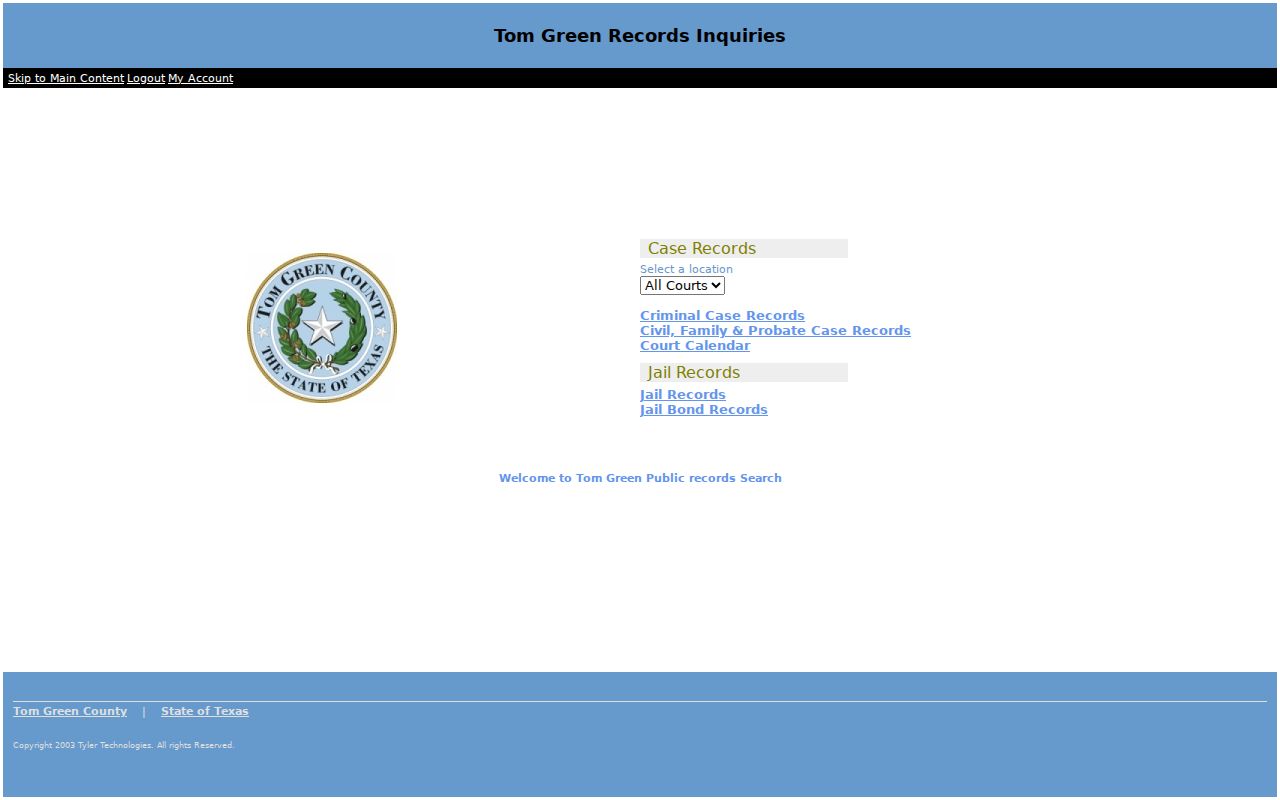
A dead screen just means the portal is down. Try another channel, and don't read it as proof that a case is closed, missing, or private.
Which Cases Stay Restricted
Some Tom Green County court records stay closed to the public. Texas Family Code section 58.007 governs juvenile records. They sit with the court, the clerk, probation, and the prosecutor. Sealed filings, expunction matters, nondisclosure orders, and protected child-support or child-protection material may be hidden or limited too. Even an online docket index with automatic redactions does not make every attachment public. A docket entry alone never guarantees full access.
Ask the clerk when a record is withheld. Ask for the public part and the rule or order behind the restriction. Judicial administrative records may follow Rule 12. Filed case records follow the law and court orders governing that case. The Texas Public Information Act does not control every judicial case-file request. Do not hop to a second portal. That would not get around a lawful restriction.
Verify a Tom Green County Result
Check before you trust a match. Compare the cause number and the court. Check the case type, the filed date, the public party role, and the latest event. Save the official source you used along with the date you pulled it. A result can look stale or thin. Then ask the clerk for the public docket, the register of actions, a named document, or a certified copy instead of requesting everything.
A hearing date from a search is not final word. Confirm it through the Tom Green County court schedule and the assigned coordinator. Search results locate the case. The clerk of the originating court confirms the record itself.